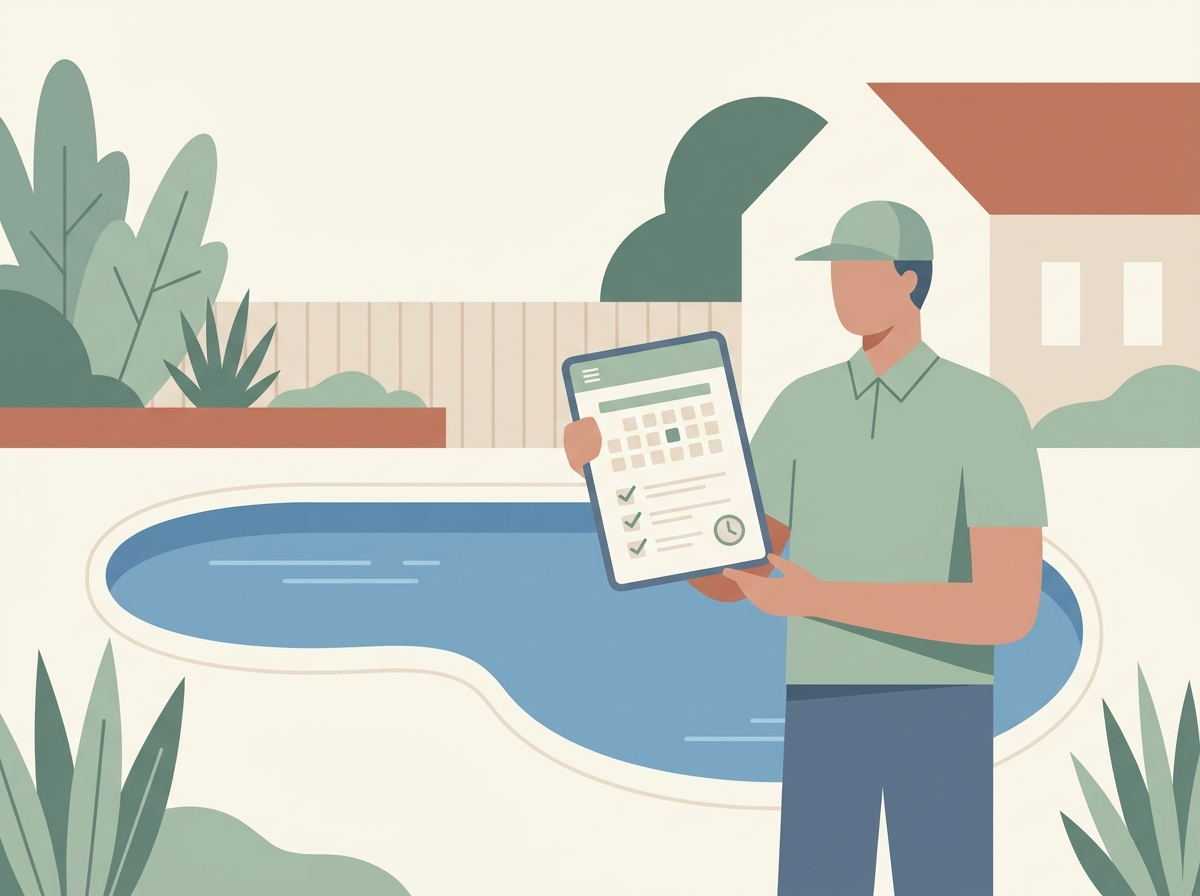
A missed appointment may seem inconsequential on its own. A client forgets, a slot goes empty, no one is alarmed. What’s problematic is the repeated pattern: over a month, a quarter, a year, those empty slots add up to real, unrealized revenue. For a small team of one to five people without a receptionist chasing confirmations, every no-show also becomes unpaid administrative time — the booking, the prep, and the follow-up that never converts into anything.
This isn’t a surprising phenomenon for most founders once they see the numbers. Healthcare facilities have more structured data collection and less difficulty quantifying the impact of no-shows, so most of the research on automated appointment reminders comes from there. Those studies typically show no-shows reduced by 29% to 50%, depending on the channel and how reminders are configured. That range matters more than any single figure, because the “it depends” is exactly what drives the decision for a small business weighing whether this is worth setting up.
How much do automated reminders actually reduce no-shows?
Multiple independent studies converge on a similar story, even though the exact percentage moves around by method and setting:
| Reminder method | Typical no-show reduction | Notes |
|---|---|---|
| SMS text reminders | Up to 50% | Highest reach — text has roughly 98% open rates versus 20-30% for email |
| Automated calls / SMS combined | ~29% vs. manual phone confirmation | Systematic review comparison; manual phone calls alone reduced no-shows by ~39% of baseline, automated methods by ~29% |
| Automated reminder systems generally | Up to 38% | Broader estimate across reminder-system vendors and use cases |
| Email reminders | 15-25% | Least effective channel on its own, useful as a secondary touch |
Two honest caveats are worth stating plainly. First, the more substantive, peer-reviewed studies behind these numbers come from healthcare — dental practices, mental health clinics, radiology departments — not from home services, salons, or consultants. The mechanism (a well-timed reminder on a channel people actually check) likely generalizes, but the exact percentage for a specific small business will vary. Second, one MGMA Stat poll found 88% of healthcare organizations already use automated reminders, which tells you the “does this work” question was settled a while ago in that industry — small businesses in other categories are simply earlier on the adoption curve.
Why this generalizes beyond healthcare
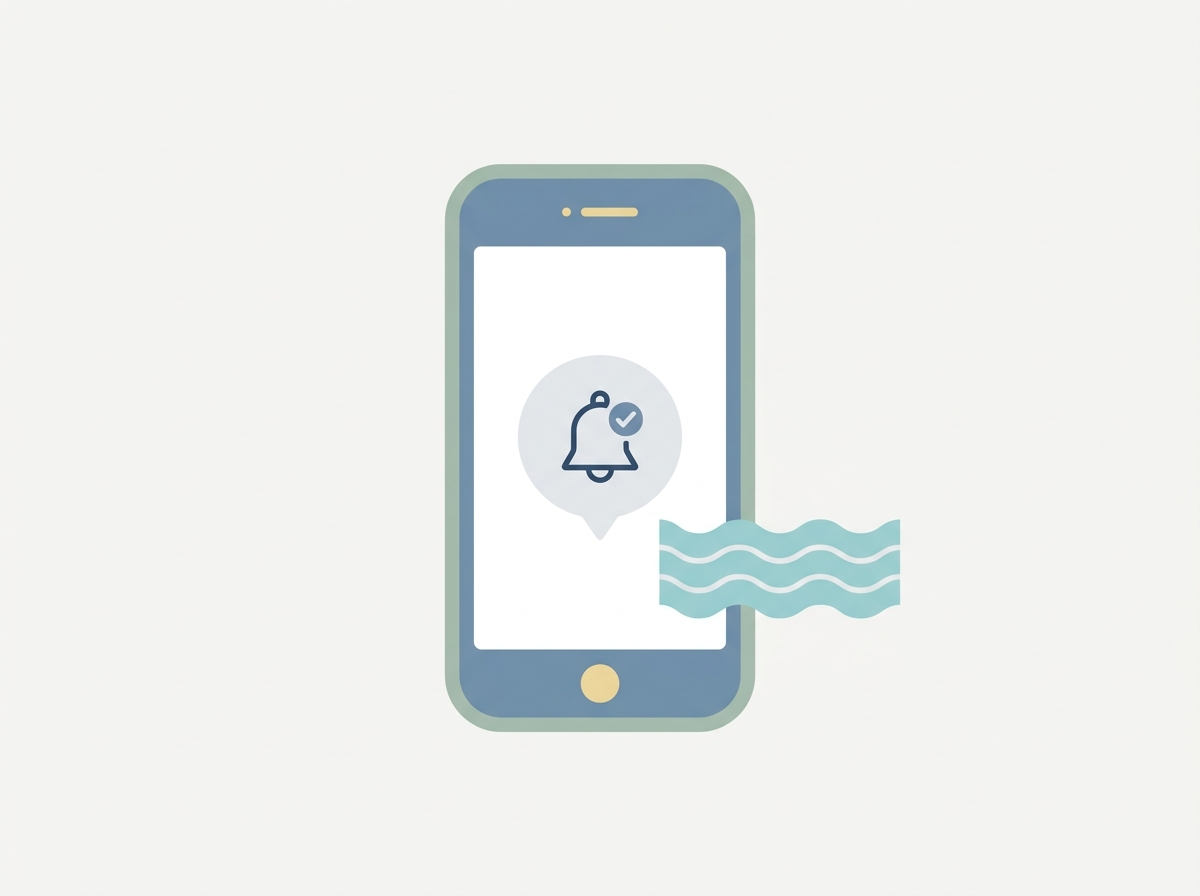 SMS reminders get opened far more reliably than email, which is why they consistently outperform on no-show reduction.
Recall our research on what works in 2026 for solo founders and small teams, which grouped small-team AI automation into four categories: communication automation, operational automation, content automation, and decision-support automation. Appointment reminders sit squarely in the first category — communication automation — alongside chatbots and email triage. It’s one of the highest-leverage entry points precisely because the payoff (fewer empty slots, less manual chasing) is immediate and easy to measure, which is exactly the kind of automation worth committing to first rather than the kind that gets tried once and abandoned.
The customer-engagement category specifically — chatbots and automated response systems for routine questions — is already used by 46% of AI-adopting small businesses, and appointment confirmation is one of the most routine, repeatable questions there is: “are you still coming, and if not, can we fill the slot.”
What this looks like for a real appointment-heavy small business
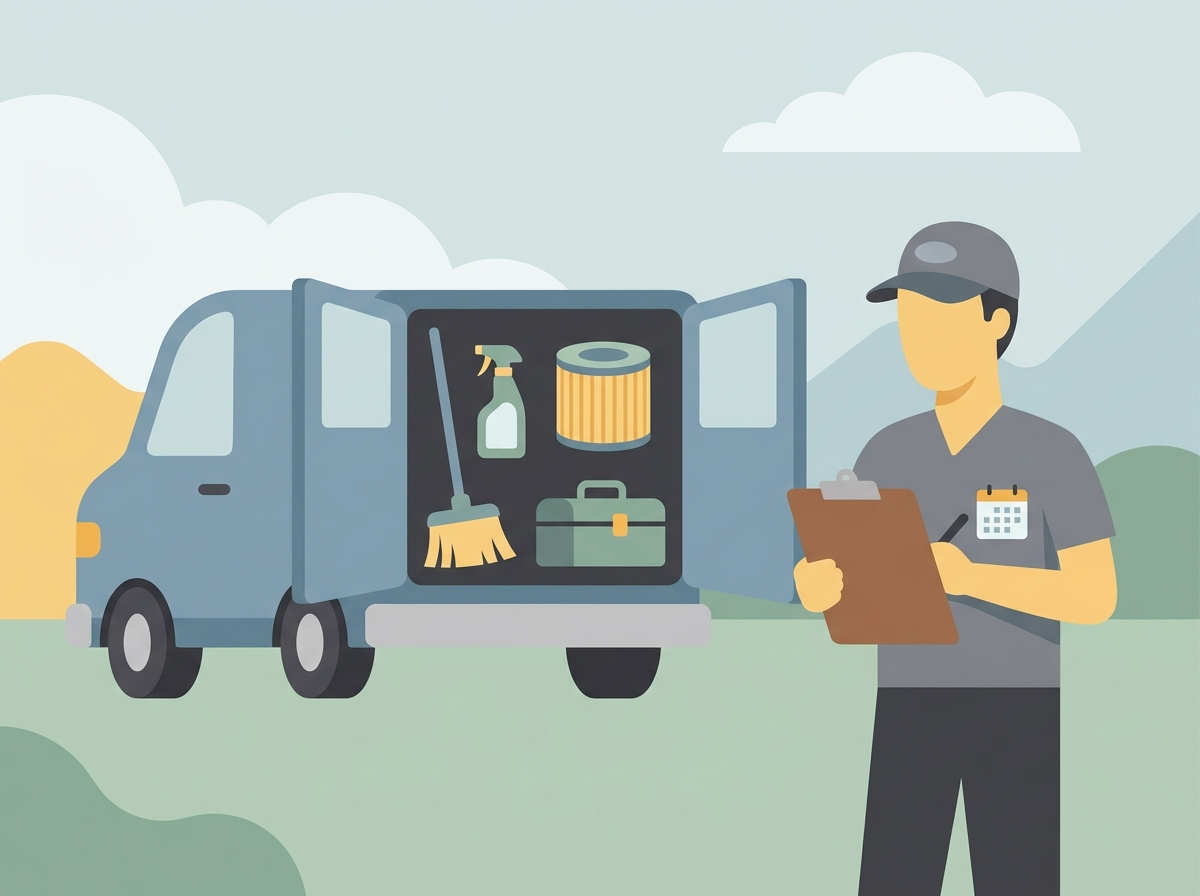 Multi-service local businesses juggle several recurring appointment categories, which is exactly where reminder automation pays off.
The businesses that feel this most aren’t necessarily tech companies — they’re multi-service, appointment-based local operations where a single missed booking means an idle technician and a wasted slot in someone’s actual calendar. An example of such a business would be a multi-service pool-maintenance company. Qualita Services, for instance, provides a service line for cleaning, water balancing, filter maintenance, equipment checks, tile and surface care, and inspection — six different appointment categories, each with its own booking cadence and its own customer expecting a specific visit window. Tracked by hand, that’s a part-time job in itself; automated, it’s a background process that only needs attention when something goes wrong.
The point isn’t that any specific company has already automated this — it’s that this is exactly the shape of business where the reminder-automation math above stops being an abstract percentage and starts being a specific number of technician-hours per week.
Choosing the right level of automation
Not every small business needs the same setup on day one. A practical way to pick a starting point:
- Start with the channel your customers already use. If they already text you to reschedule, SMS reminders will outperform email — this matches the read-rate data above almost exactly.
- Automate the reminder before automating the booking. A reminder is low-risk and one-way. A full booking or rescheduling chatbot is more useful once the reminder alone is working reliably.
- Track one number before and after. No-show rate, technician idle-hours, or missed-revenue-per-week — pick one, measure it for two weeks before automating and four weeks after, so the decision to keep or drop the tool rests on your own data, not a vendor’s case study.
- Keep a human fallback for anything ambiguous. A cancellation, a complaint, or an unusual request should still reach a person quickly — the automation’s job is the routine 90%, not the edge cases.
- Re-check after 30 days. If the reminder system created new manual work — chasing failed messages, correcting mismatched appointment data — that’s a real signal to fix the setup before adding anything else on top of it.
Key takeaways
Automated appointment reminders are one of the best-evidenced, lowest-risk automations a small business can start with: real studies show reductions in the 29-50% range depending on channel, even though most of that evidence comes from healthcare rather than general small business. SMS consistently outperforms email because people actually read it. The businesses that benefit most are the ones juggling multiple recurring service categories — the kind of appointment complexity a multi-service local provider deals with every week. Start with the reminder, measure one real number, and only add more automation once that first piece is working without creating new manual cleanup work.
Frequently asked questions
Do automated reminders actually work for a business that isn’t in healthcare?
The core mechanism — a timely message on a channel people check — isn’t healthcare-specific, but the exact percentage reduction you’ll see is unproven outside that setting until you measure it for your own business.
Is SMS always better than email for reminders?
For read rates, yes — text messages get opened far more reliably than email. Email still plays a role as a secondary or follow-up touch, just not as the primary channel if you want the biggest reduction in no-shows.
What should I automate first: reminders or full booking?
Reminders. They’re lower-risk, faster to set up, and the supporting evidence is stronger. A full self-serve booking or rescheduling flow is a reasonable second step once reminders are reliably running.
How do I know if it’s actually working?
Pick one measurable number — no-show rate or missed appointments per week — and track it for a couple of weeks before and after automating. An impression that “it feels like fewer no-shows” isn’t a substitute for that comparison.
If you’re mapping out where automation fits into your own small business’s workflow, our own ready-made automation packages follow this same starting-point logic in more detail.
Leave a Reply