
73% of consumers say they will switch to a competitor if a brand doesn’t respond on social media, according to Sprout Social’s 2026 statistics roundup. That’s the tension at the center of this guide: how to automate social media scheduling with AI without becoming the unresponsive brand people leave for someone else.
The same research found that human-generated content is the top priority for social media users in 2026. Put those two facts together and the task gets specific: schedule and systematize the repetitive parts, while keeping an actual human voice and actual human responses in the loop.

How to automate social media scheduling with AI (and what to keep manual)
Three different things get lumped under “AI social media automation,” and they are not the same task. Scheduling automation is when a tool posts content at a set time without you clicking publish — this part has been solved for years and has nothing to do with AI. AI-generated drafting is when a tool writes a first-pass caption or post based on a prompt. AI-assisted editing is when you write the post yourself and use AI to tighten it, shorten it, or adapt it for a different platform.
Of the three, scheduling automation is safe to fully hand off. Drafting and editing are where the human-generated-content priority mentioned above actually matters — a tool can produce a serviceable first draft, but the posts that perform, and the replies that keep a customer from leaving, still need a real person’s judgment before they go out.
Where set-and-forget backfires
- Fully automated replies to comments and DMs. This is exactly the kind of neglect that causes the 73% switching statistic — canned or delayed replies are associated with the worst automation practices.
- Publishing AI-generated captions straight from the app. Automation at that level makes a post sound robotic.
- Scheduling an entire month of content at once and then ignoring it. Timely posts and responses to news, trending topics, or customer questions get completely missed when the whole calendar is pre-loaded and forgotten.
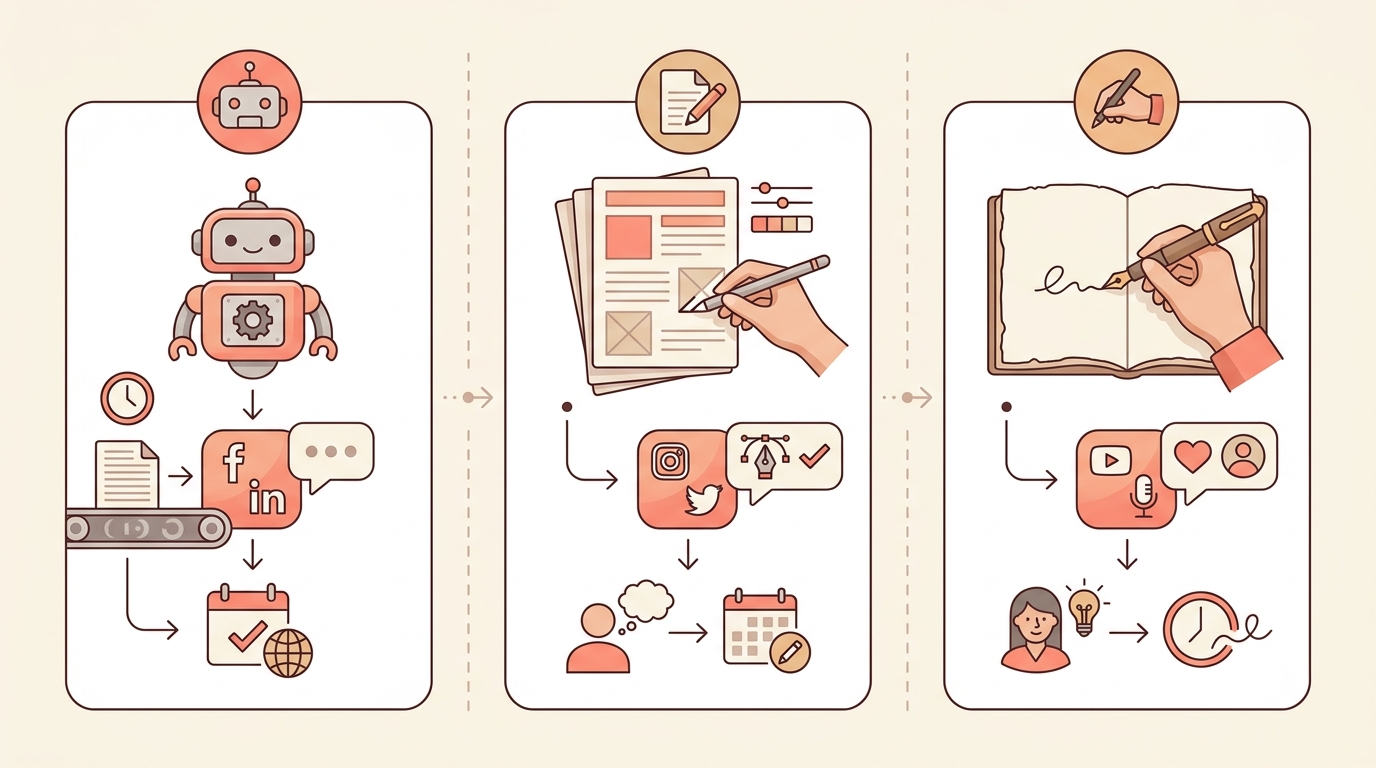
AI-drafted vs. template-first vs. fully manual, side by side
| Approach | Speed | Voice consistency |
|---|---|---|
| Fully AI-drafted, posted unedited | Fastest | Weakest — tends to sound generic |
| Template-first, filled in and lightly edited | Fast | Strong — structure is yours, wording is edited |
| Fully manual, written from scratch each time | Slowest | Strongest, but rarely sustainable weekly |
A simple four-step framework
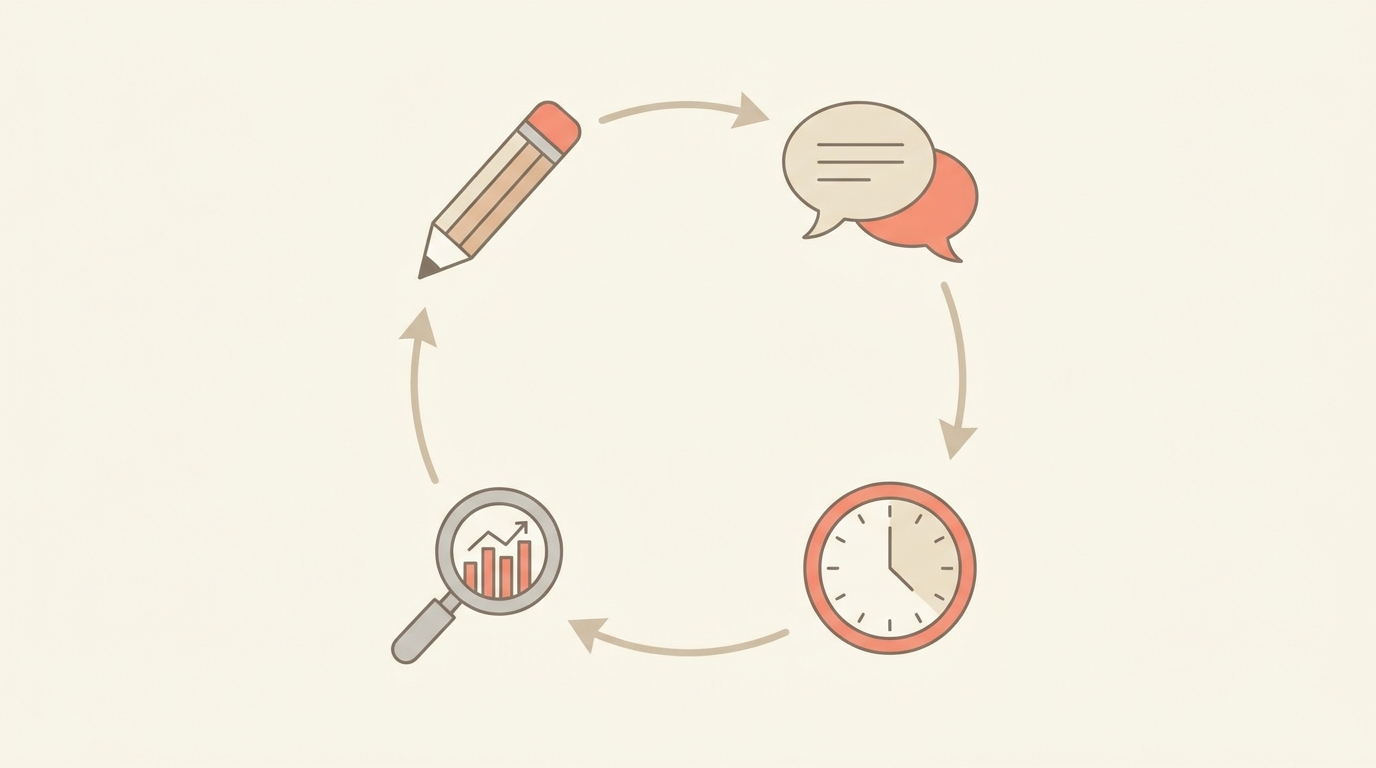
- Draft with AI. Use it as a tool to get the initial draft of a caption or post, not to produce the finished version.
- Edit for voice. Edit it out loud to make sure it actually sounds like something you’d say to a customer.
- Schedule with rules, not silence. Set posting times automatically, but keep notifications on for comments and DMs — that part stays human.
- Review engagement weekly. It should only take fifteen minutes to see which posts landed and which didn’t.
How to start this week
Pick just one platform. Draft a week of posts using AI to get started, and edit every single one before it goes into the scheduler. For the first month, turn on notifications and respond to replies yourself — that’s how you learn what a real response from your business sounds like, before deciding what can be templated.
For solo entrepreneurs who’d rather start from a structure than a blank prompt, Kermit V2’s automation templates include the scheduling and workflow side of this, so the AI-drafting step has something consistent to plug into instead of starting from scratch every week.
Key takeaways
- 73% of consumers say they’ll switch to a competitor over an unresponsive brand on social media, per Sprout Social’s 2026 data — automation shouldn’t touch that part.
- Scheduling automation is safe to fully hand off. AI-drafted content and replies still need a human pass.
- Human-generated content is the top priority for social media users in 2026, according to the same research.
- A simple loop — draft with AI, edit for voice, schedule with rules, review weekly — beats either full automation or fully manual posting.
FAQ
Is it safe to fully automate social media replies?
Not for anything beyond simple, expected questions. The 73% statistic above is specifically about responsiveness — a fully automated or delayed reply reads worse to customers than an honest wait for a human.
Should I stop using AI to draft captions?
No — using AI for a first draft is fine and saves real time. The issue is publishing that first draft unedited, not using AI at all.
How much time does this framework actually save?
Most of the savings come from the scheduling step, since that part was never something that needed a human in the first place. The drafting step saves time getting started, not time spent editing.
Sources
- Sprout Social — “120+ Must-Know Social Media Marketing Statistics for 2026,” sproutsocial.com
Conclusion
Automate the part of social media that was always mechanical — the posting schedule. Keep a human in the loop for the part that was never mechanical to begin with — the voice, the replies, the judgment calls. Getting that split right matters more than how advanced the AI tool is.
Want the scheduling and workflow side handled? See Kermit V2’s automation templates and spend your time on the posts that actually need you.
Leave a Reply